iPhone · Apple Watch · Mindful spending

Cool off before you buy.Use what you keep.

Wishes go into your Wishlist and cool down a little every day without a real need, until they freeze. Bought on impulse anyway? You'll get a nudge to decide before the return window closes. And everything you keep shows its cost per use, dropping with every use until it's paid off.

Coming soon to the App Store

iPhone · iOS 26 or later · Apple Watch app included

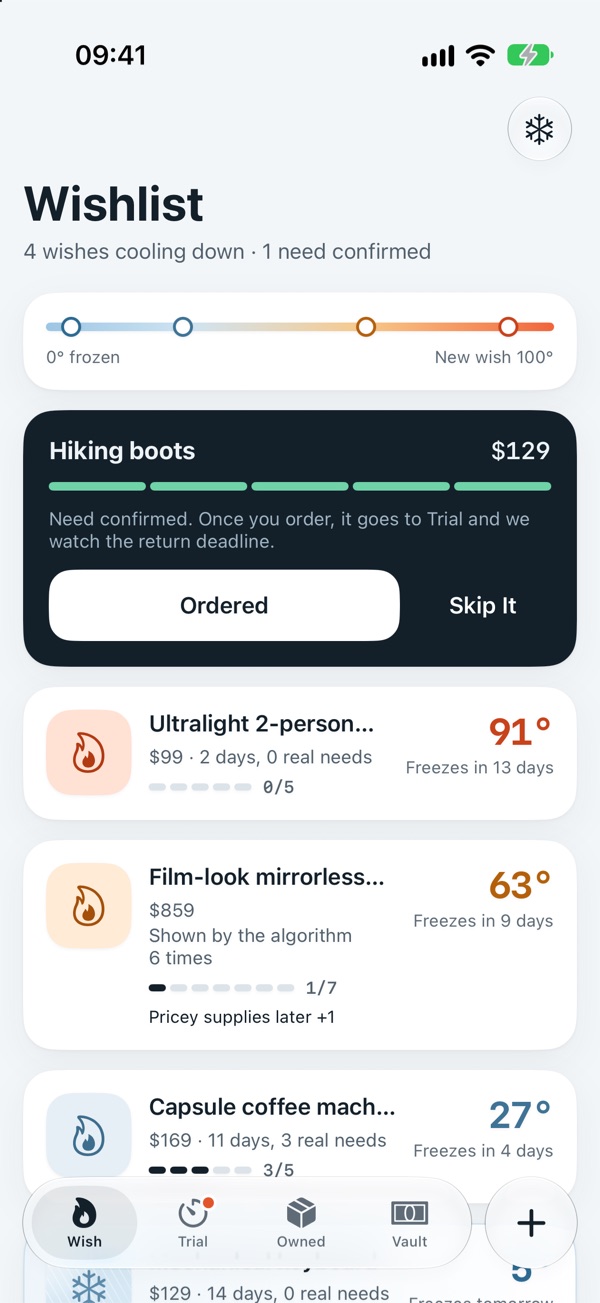
The ZeroDust Wishlist: every wish shows its heat and need charge

Three lines of defense

From first wish to paid off

Before you buy

Charge with real needs, cool off naturally

New wishes start at 100° and drop 7° a day without a real need, freezing into the Wish Graveyard in about 14 days. Tap “Needed It +1” only when life actually calls for it — fill the meter to pass. Seeing it again online doesn't count.
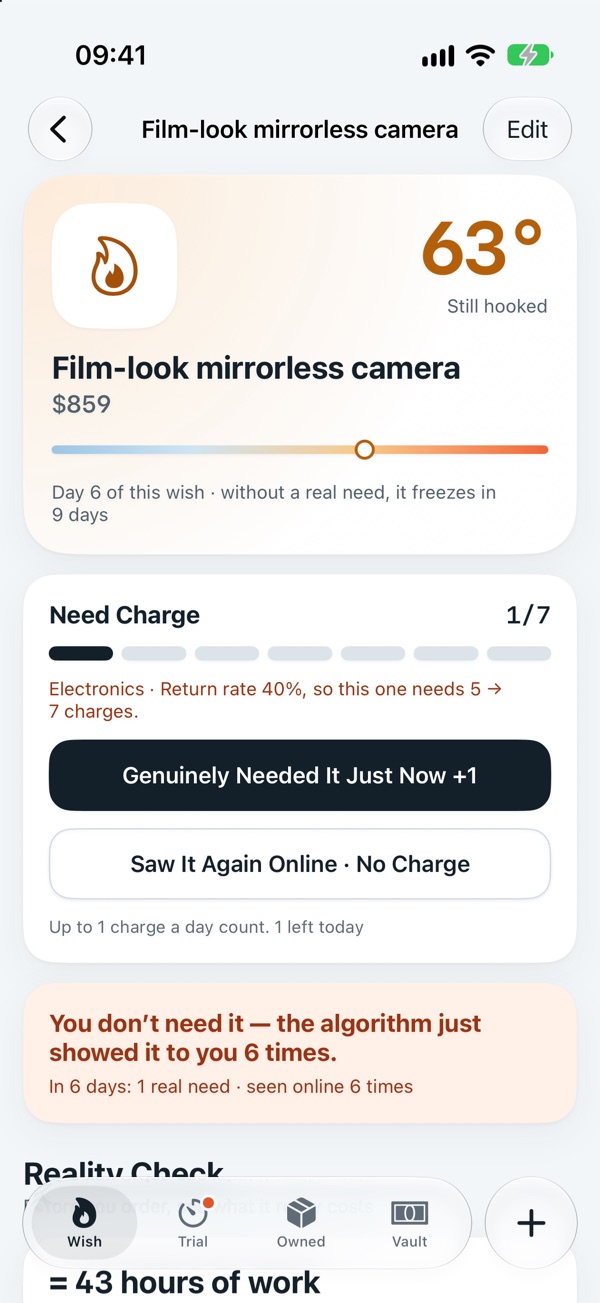
Wish details: 63°, need charge 1 of 7, and a note that the algorithm has shown it 6 times

After you buy

Decide before the return window closes

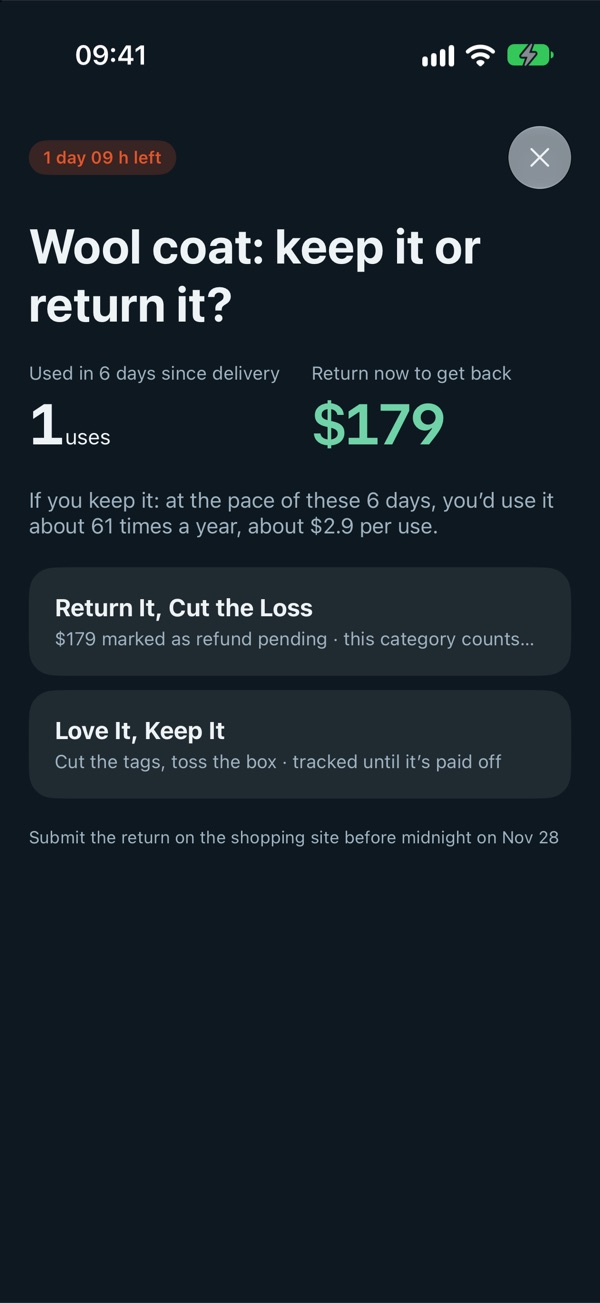
Count down 7, 14 or 30 days — or your own number — from delivery. You'll get a reminder the evening before and on the last morning, plus a Lock Screen and Dynamic Island countdown for the final 24 hours. See how often you've used it, then return it to cut the loss or keep it for good.

Decision screen: used once in 6 days, with the full refund still on the table

While you own it

Track cost per use until it pays off

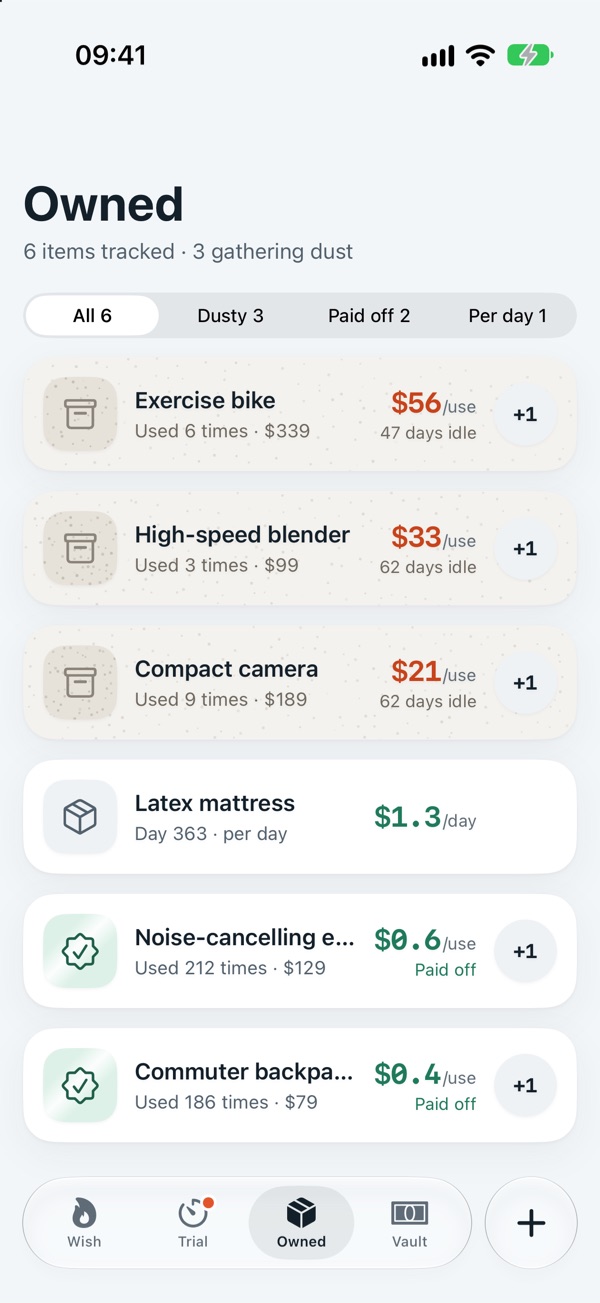
Every use drops an item's cost per use; things you use all the time, like a mattress or a fridge, get a daily cost instead. Anything left untouched for a month slowly gathers dust — use it once to polish it clean.

Owned: each item's cost per use, with dusty ones on top

And more

Little tools that make good sense easy

  • Reality Check

    See the price in hours of work, how long a similar thing has sat idle in your drawer, and the hidden costs that come later. When the itch is strong, you'll get three questions to answer before you buy.

  • Sanity Vault

    Refunds are real money; things you resisted are just for reference — two separate books. Set a Dream Fund and actually put the savings in.

  • +1 without opening the app

    Log from Home Screen and Lock Screen widgets, Control Center, Siri or Apple Watch. Stick an NFC tag on your earbuds case and tap to log a use.

  • Add in 3 seconds

    Screenshots, photos and text shared from shopping apps are read on device. Tap a suggested name and price to fill them in; product photos become cut-out stickers.

  • Subscriptions, too

    Note billing dates for memberships and free trials, and get a reminder before a trial converts. Once you cancel, each period's price counts as resisted.

  • Share posters

    Your Wish Graveyard, how often the algorithm pushed something, and the year's best-paid-off things — as a portrait poster, with amounts you can hide.

Your ledger stays with you

No sign-up, no servers, no ads or analytics. Everything lives on your iPhone. If you switch phones or use more than one device, turn on iCloud Sync and your data goes to your own iCloud.

Read the Privacy Policy →

Next time you want something, put it in the Wishlist first.

Give it a few days. If you really need it, it'll charge itself up.

Coming soon to the App Store